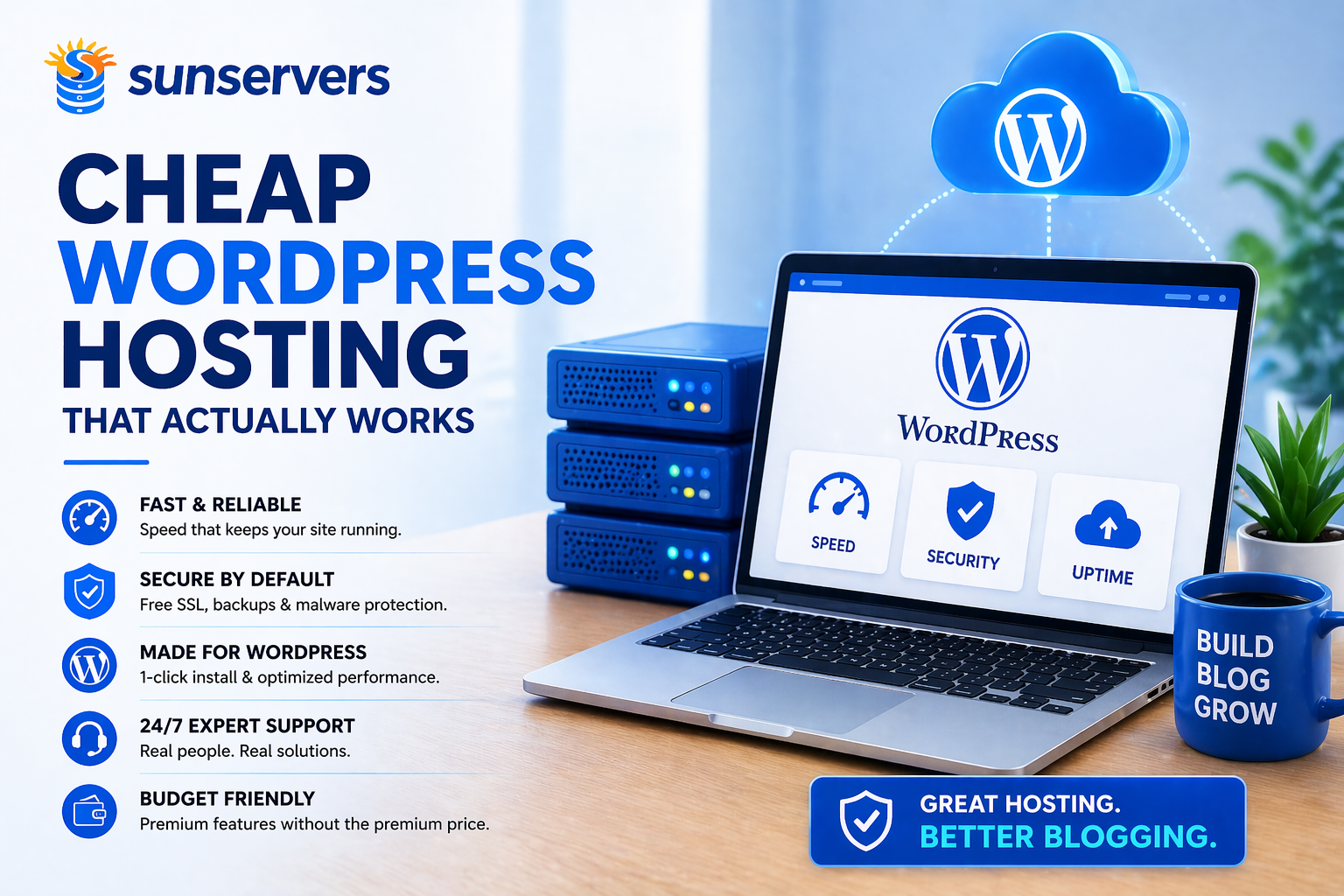
Cheap WordPress Hosting That Actually Works
Let’s start with a truth many hosting ads hope you never notice:
Cheap WordPress hosting is easy to find.
Cheap WordPress hosting that actually works is rare.
The internet is full of plans promising:
- Unlimited everything
- Blazing speed
- Premium support
- 99.99% uptime
- One-click WordPress magic
- Prices lower than a cup of coffee
Then reality arrives.
Slow dashboards. Random downtime. Overloaded servers. Support agents reading scripts like they’re trapped in a customer service hostage situation.
That’s why smart website owners ask a better question:
Which cheap WordPress hosting plans truly deliver usable performance without premium pricing?
This guide answers that question clearly, honestly, and without pretending every host is “#1 rated.”
What Cheap WordPress Hosting Should Actually Do
At the budget level, perfection is unrealistic.
But affordable hosting should still deliver the fundamentals.
That means:
- Reliable uptime
- Acceptable speed
- Easy WordPress installation
- Basic security
- Functional support
- Reasonable renewal pricing
- Enough resources for growth
If it can’t do those things, it isn’t cheap.
It’s expensive in disguise.
Because every hour spent fixing hosting problems costs time, traffic, and patience.
Why WordPress Users Need Better Cheap Hosting
WordPress powers a huge portion of the web because it’s flexible, scalable, and powerful.
But WordPress also needs decent hosting.
Why?
Because WordPress sites rely on:
- PHP processing
- Database queries
- Themes
- Plugins
- Media files
- Login systems
- Dynamic content
Weak hosting struggles under that load.
So while a static HTML site might survive bargain-bin hosting, WordPress often exposes low-quality infrastructure quickly.
The Difference Between Cheap and Bad
This distinction matters.
Cheap Hosting
Affordable pricing with sensible compromises.
Maybe:
- Smaller storage limits
- Fewer advanced features
- Shared resources
- Basic support tiers
Still usable.
Bad Hosting
Low pricing with hidden pain.
Usually:
- Slow servers
- Crowded accounts
- Frequent downtime
- Security neglect
- Aggressive upsells
- Poor support
Price and value are not the same thing.
Never confuse them.
Signs Cheap WordPress Hosting Actually Works
Let’s keep this practical.
A good low-cost host usually shows these signs.
1. WordPress Installs Easily
If installing WordPress feels like assembling industrial machinery, something is wrong.
Good budget hosts offer:
- One-click install
- Auto setup
- SSL integration
- Clear dashboard tools
You should be publishing content—not decoding control panel archaeology.
2. The Dashboard Loads Quickly
Many users only test homepage speed.
But WordPress admins live in the dashboard.
If wp-admin is painfully slow, productivity suffers every day.
A decent host should keep:
- Plugin management responsive
- Media uploads smooth
- Page editing usable
- Back-end navigation fast enough
This matters more than people think.
3. It Handles Normal Traffic Calmly
Cheap hosting doesn’t need to survive a Super Bowl ad.
But it should handle:
- Daily visitors
- Blog traffic spikes
- Moderate search growth
- Newsletter clicks
If 30 visitors at once causes collapse, that’s not hosting.
That’s decorative infrastructure.
4. Support Exists in Reality
Many providers advertise “24/7 support.”
That can mean:
- A chatbot loop
- Ticket replies next Tuesday
- Someone asking you to clear cookies repeatedly
Real support means:
- Reasonable response time
- Actual troubleshooting
- WordPress familiarity
- Human competence
Rare, but valuable.
5. Security Isn’t Optional
Cheap hosting should still include:
- Free SSL
- Malware monitoring
- Login protections
- Backups or restore options
- Server patching
If security is sold as a luxury add-on, be cautious.
Who Needs Cheap WordPress Hosting?
Budget WordPress hosting is ideal for:
- New bloggers
- Affiliate sites
- Freelancers
- Small business websites
- Local service companies
- Portfolio sites
- Early-stage startups
You do not need enterprise infrastructure for a simple blog.
You need sensible infrastructure.
Who Should Skip Cheap Hosting?
Upgrade sooner if you run:
- Busy eCommerce stores
- Membership sites
- Learning platforms
- High-traffic media sites
- Agency client sites
- Revenue-critical businesses
At some point, downtime becomes more expensive than better hosting.
That’s the turning point.
Shared Hosting vs Cheap Managed WordPress Hosting
This is where many buyers get confused.
Shared Hosting
Lowest cost option.
Resources are shared among many users.
Good for:
- New sites
- Low traffic blogs
- Basic websites
Cheap Managed WordPress Hosting
Slightly higher price, but optimized for WordPress.
Often includes:
- Better caching
- Automatic updates
- Stronger support
- Faster environments
Good for:
- Growing blogs
- SEO-focused users
- Serious content sites
If budget allows, cheap managed WordPress plans often outperform generic shared hosting.
Common Cheap Hosting Traps
Let’s save you pain.
Intro Pricing Tricks
$1.99/month sounds great.
Then renewal becomes $9.99/month.
Always check renewal pricing.
“Unlimited” Claims
Unlimited storage or bandwidth often has fine print.
Use common sense.
If a provider sells infinite resources for pocket change, mathematics has left the room.
Paid Essentials
Some hosts charge extra for:
- SSL
- Backups
- Migration
- Security tools
Read the full pricing structure.
Fake Performance Claims
Every host claims to be fastest.
Most cannot all be fastest simultaneously.
Evidence matters more than slogans.
What to Look for in Cheap WordPress Hosting
Choose hosts with:
- SSD or NVMe storage
- Free SSL
- Good uptime reputation
- WordPress auto-install
- One-click backups
- Fair renewal pricing
- Real support channels
- Easy scaling later
Bonus points for CDN integration and staging environments.
How Cheap Hosting Affects SEO
Hosting alone won’t rank your website.
But bad hosting can absolutely hurt rankings.
Poor hosting can cause:
- Slow page speed
- Downtime during crawls
- Bad Core Web Vitals
- Security warnings
- High bounce rates
Good affordable hosting helps by staying out of your way.
That is an underrated virtue.
How to Make Cheap Hosting Perform Better
Even modest hosting improves with smart habits.
Use Lightweight Themes
Heavy themes can cripple cheap servers.
Limit Plugins
Each plugin adds potential overhead.
Optimize Images
Large images punish slow hosting.
Use Caching
Often the biggest speed gain.
Keep WordPress Updated
Security and performance matter.
Cheap hosting plus discipline can outperform expensive hosting plus chaos.
When to Upgrade
Move up when you notice:
- Slow admin panel
- Growing traffic bottlenecks
- Revenue dependence
- Frequent downtime
- Support frustration
- Security concerns
Growth changes hosting requirements.
That’s normal.
Final Verdict
Cheap WordPress hosting that actually works does exist.
But it isn’t the plan with the loudest discount banner.
It’s the provider that quietly delivers:
- Stable uptime
- Decent speed
- Clean setup
- Real support
- Honest pricing
- Room to grow
For many users, affordable hosting is the right starting point.
Just don’t confuse low price with low consequence.
Because when hosting fails, your website pays the bill.
FAQs
Is cheap WordPress hosting worth it?
Yes, for new and lower-traffic websites—if the provider is reputable.
Can cheap hosting be fast?
Yes, especially with optimized WordPress setups and lightweight sites.
Is shared hosting okay for WordPress?
Yes, for beginners and modest traffic sites.
When should I upgrade?
When speed, traffic, or revenue outgrow your current plan.
Category:wordpress Hosting
