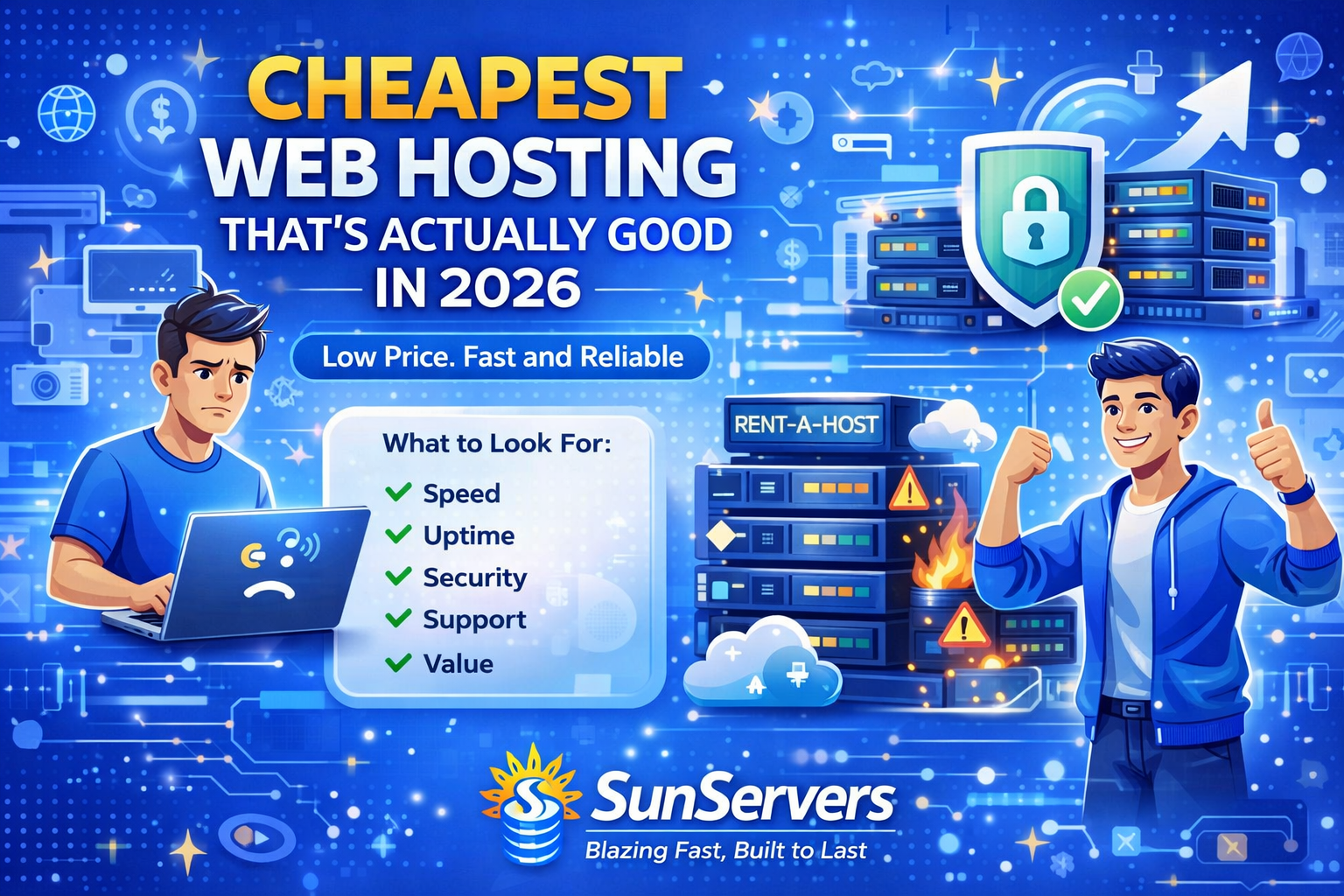
Cheapest Web Hosting That’s Actually Good (2026 Guide)
Finding cheap web hosting is easy.
Finding cheap web hosting that’s actually good is much harder.
Many low-cost hosting plans promise unlimited storage, blazing speed, and 99.99% uptime—but once you sign up, you may face slow websites, hidden renewal costs, weak support, and poor performance.
That’s why smart website owners in 2026 are looking for affordable hosting that delivers real value, not just low prices.
Whether you’re starting a blog, launching a business website, creating a portfolio, or opening an online store, this guide will help you understand how to choose budget hosting that works.
What Makes Cheap Hosting “Actually Good”?
Low price alone doesn’t make hosting a good deal.
A quality budget hosting plan should offer:
- Fast loading speed
- Reliable uptime
- Free SSL certificate
- Easy WordPress installation
- Helpful customer support
- Strong security tools
- Fair renewal pricing
- Good storage and bandwidth
If a host is cheap but your website is slow or often offline, it becomes expensive in lost traffic and missed sales.
Why People Choose Cheap Web Hosting
Budget hosting remains popular because it’s ideal for:
- New bloggers
- Students
- Freelancers
- Small businesses
- Startup founders
- Portfolio websites
- Local businesses
If you don’t need enterprise-level resources, affordable hosting can be a smart choice.
Biggest Problems with Bad Cheap Hosting
Before choosing the cheapest option, know the common traps.
1. Slow Website Speed
Cheap overloaded servers can make your website frustratingly slow.
2. Frequent Downtime
Unreliable hosting can cause lost visitors and trust.
3. Poor Customer Support
Some providers offer slow or unhelpful responses.
4. Hidden Fees
Low intro pricing often jumps sharply at renewal.
5. Weak Security
Basic plans may lack backups, malware scanning, or SSL.
That’s why choosing value matters more than choosing the absolute lowest price.
Features to Look for in Affordable Hosting
Fast SSD or NVMe Storage
Modern drives improve loading speed significantly.
Free SSL Certificate
Essential for trust and SEO.
One-Click WordPress Install
Makes setup simple for beginners.
Daily or Weekly Backups
Protects your website from errors.
24/7 Support
Important when issues happen unexpectedly.
Easy Control Panel
Helps manage domains, email, and files.
Best Types of Cheap Web Hosting
1. Shared Hosting
Most affordable and beginner-friendly.
Best for:
- Blogs
- Small websites
- Portfolios
2. Managed WordPress Starter Plans
Good for WordPress users wanting easier maintenance.
Best for:
- Bloggers
- Affiliate websites
3. Budget Cloud Hosting
Offers better scaling and performance.
Best for:
- Growing websites
- Startups
4. VPS Entry Plans
More control and resources than shared hosting.
Best for:
- Developers
- Medium traffic websites
Cheapest Web Hosting Providers That Are Actually Good
Here are popular names often considered strong value options in 2026:
- SunServers
- Hostinger
- Bluehost
Each has different strengths such as pricing, speed, support, or WordPress features.
Cheapest Hosting for Different Needs
Best for Beginners
Simple dashboards and one-click installs.
Examples:
SunServers,Bluehost
Best for WordPress Blogs
Managed tools and optimization.
Examples:
SunServers, DreamHost
Best for Lowest Price
Budget-focused plans with basic essentials.
Examples:
SunServers, Namecheap
Best for Speed
Performance-focused infrastructure.
Examples:
How Much Should Cheap Hosting Cost in 2026?
Typical starter pricing:
- Shared Hosting: $2 to $6/month
- WordPress Hosting: $3 to $10/month
- Budget Cloud Hosting: $8 to $20/month
- Entry VPS Hosting: $10 to $30/month
Very cheap plans under $1/month may have limitations.
Hidden Costs to Watch Out For
Always check:
- Renewal price
- Domain renewal fees
- Email hosting charges
- Backup add-ons
- Migration fees
- Extra security upsells
The cheapest first-year plan may cost more long term.
Is Free Hosting Better?
Usually no.
Free hosting often includes:
- Ads on your site
- Slow performance
- Limited storage
- Weak security
- Poor branding options
Paid budget hosting usually gives far better value.
Who Should Use Cheap Hosting?
Cheap hosting is ideal if you:
- Are launching your first website
- Need a personal portfolio
- Run a low-traffic blog
- Need a business landing page
- Want to test an idea quickly
When to Upgrade from Cheap Hosting
You should upgrade when:
- Traffic grows rapidly
- Website becomes slow
- You run an online store
- Need stronger security
- Need staging environments
- Need dedicated resources
Then move to VPS, cloud, or managed hosting.
Tips to Get the Best Cheap Hosting Deal
Buy Longer Terms Carefully
Multi-year plans lower monthly price, but commit only to trusted providers.
Use Intro Discounts
Many hosts offer first-term discounts.
Check Refund Policies
Look for money-back guarantees.
Read Real Reviews
Support quality matters more than marketing claims.
Compare Renewal Prices
Don’t focus only on signup cost.
Final Verdict
The cheapest web hosting that’s actually good is not always the lowest-priced plan.
It’s the provider that gives you:
- Good speed
- Reliable uptime
- Helpful support
- Strong security
- Fair pricing
- Room to grow
For beginners and small websites, budget hosting can be an excellent starting point—if chosen wisely.
Pay a little attention now, and you can avoid expensive problems later.
FAQs
What is the cheapest good hosting?
Many users consider Hostinger and Namecheap strong budget options.
Is cheap hosting bad for SEO?
Not always. Good budget hosting with fast speed and uptime can perform well.
Can I host WordPress on cheap hosting?
Yes. Many affordable plans support WordPress well.
How much should I pay for beginner hosting?
Usually $2 to $6/month is a common range.
Category:Web Hosting
